Posted: 2026-07-26
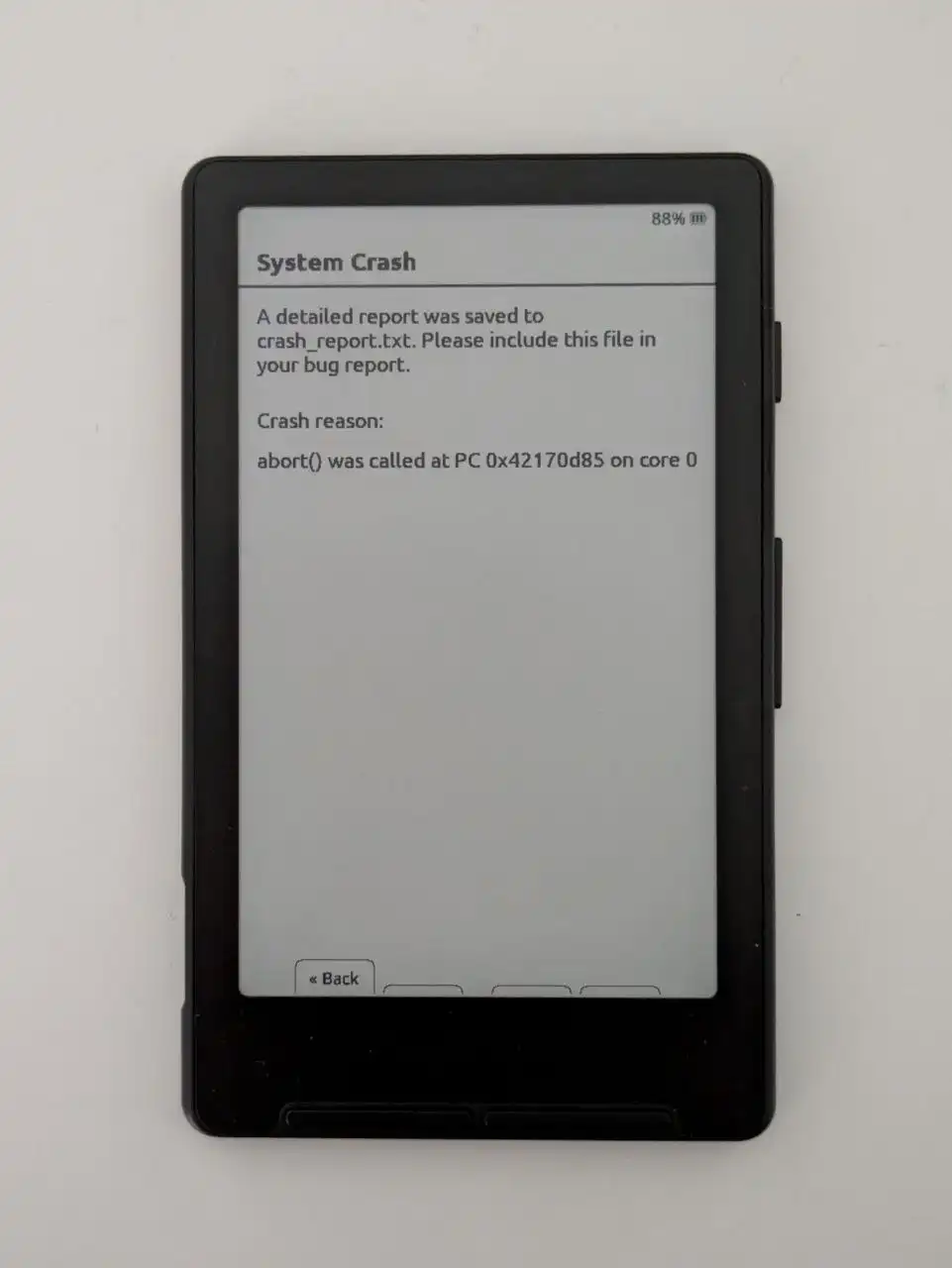
Fix a crashing book on Xteink devices
I’ve got a book that crashes every time I open it. It works if I disable embedded styles in settings. But I don’t want to do that so I’ll fix the book instead.
Btw, this is using Crosspoint as the firmware. This fix could help even if you are not on the exact same firmware or version.
The fix
Because the book works with embedded styles disabled. I was quite sure I could get it working by modifying the CSS files inside the epub. It is quite easy to edit epubs as they are basically just zip-files.
First steps:
- Copy the book from the Xteink to the PC
- Uncompress the file (you can rename it to .zip, and then uncompress)
- Find all files that end in ".css"
My book had two: page_styles.css, and stylesheet.css.
Page styles is a short file that contains this:
@page {
  margin-bottom: 5pt;
  margin-top: 5pt;
}
I deleted it as it's not needed. But that alone did not fix the problem.
The first issue I saw on the stylesheet.css file was that it was just way too long. Over 6000 lines.
The file was basically like this:
.bold {
  font-weight: bold;
}

.calibre {
  display: block;
  font-size: 1em;
  padding-left: 0;
  padding-right: 0;
  text-align: justify;
  margin: 0 5pt;
}
.calibre_ {
  display: block;
  text-align: center;
  text-indent: 0;
  margin: 0;
}
.calibre_1 {
  height: 1186px;
  vertical-align: baseline;
  width: 909px;
}
...and just calibre_n repeating for over a thousand times.

.italic {
  font-style: italic;
}
.mbp_pagebreak {
  display: block;
  margin: 0;
}
.underline {
  text-decoration: underline;
}
I removed the .calibre stuff and just keep the .bold, .italic, .mbp_pagebreak, and .underline.
Then compress the contents of the folder (not the folder itself), and rename it to an epub-file. Move it back to your device and test if it works with embedded styles enabled.